
Browser-based POS for Nepal
Runs on the Devices You Already Own
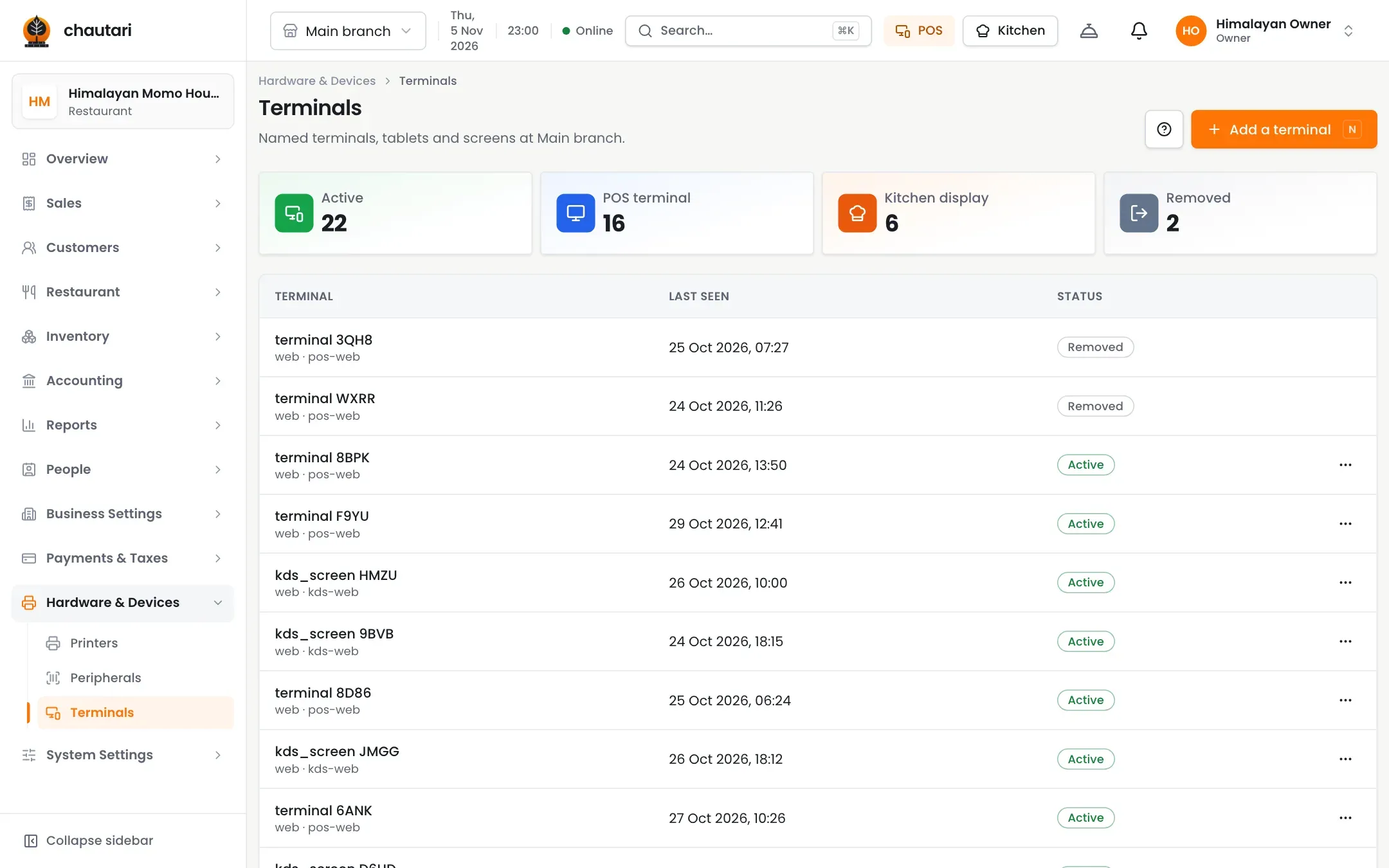
Chautari works in a browser on a computer, tablet or phone. Add a thermal printer if you want paper bills, and a screen for the kitchen.
Getting set up
1
Open
Sign in from any browser.
2
Pair
Pair a till, a kitchen screen or a printer.
3
Sell
Start taking orders.
Outcomes
- Nothing to install
- Works on the devices you have
- Printers on your own network
- Kitchen screens anywhere
- Keeps selling when offline
Hardware you already have
No special equipment.
- Any modern browser
- Tablet or computer tills
- Kitchen screens on any display
- Pair devices with a short code
Printing that just works
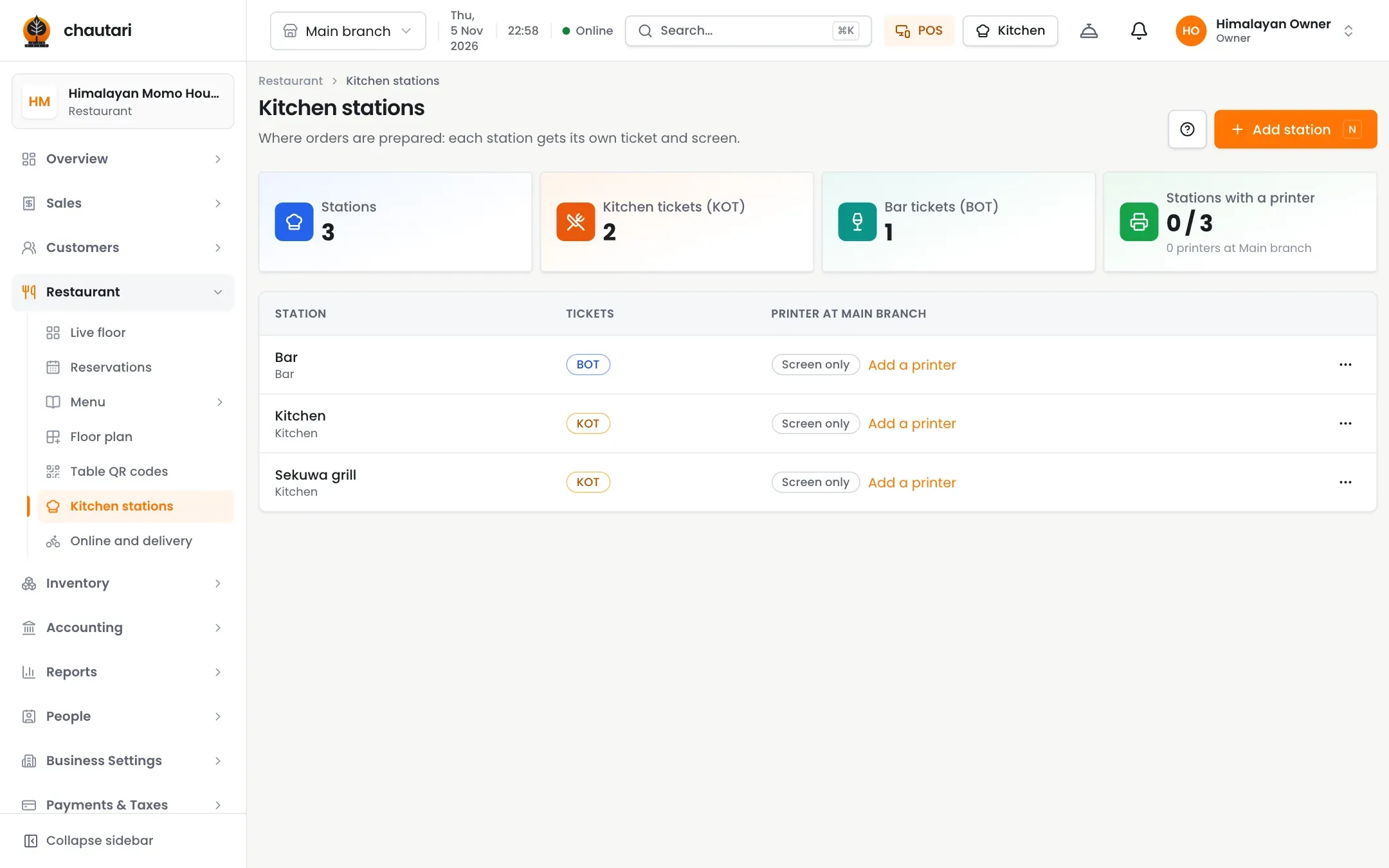
Bills and kitchen tickets.
- Thermal printers on your network
- A print agent on the branch computer
- Tickets per station
- Test slips to check each printer
Do I have to install anything?
No. It runs in a browser. A small print agent is only needed for printers.
Is there a mobile app?
Not yet. It works in a phone browser.
Can I use several tills?
Yes, within your plan’s limit.
Does it work offline?
Yes. The till keeps selling and catches up afterwards.
More from Chautari
Ready to open it in your browser?
Set up your menu, tables and printer, then run a real service on it.
Start your free trial