
Restaurant table management software
Draw Your Floor, Seat Every Guest Properly
Add your areas and tables once, then seat parties in a tap. Move a table, merge two, and close it when the guests leave.
From arrival to close
1
Seat
Tap a free table and enter the guests.
2
Serve
Orders and requests stay with the table.
3
Close
Pay, then free the table for the next party.
Outcomes
- Know which tables are free
- No overbooked tables
- Fewer walk-outs
- Easy table changes mid-meal
- One bill per table
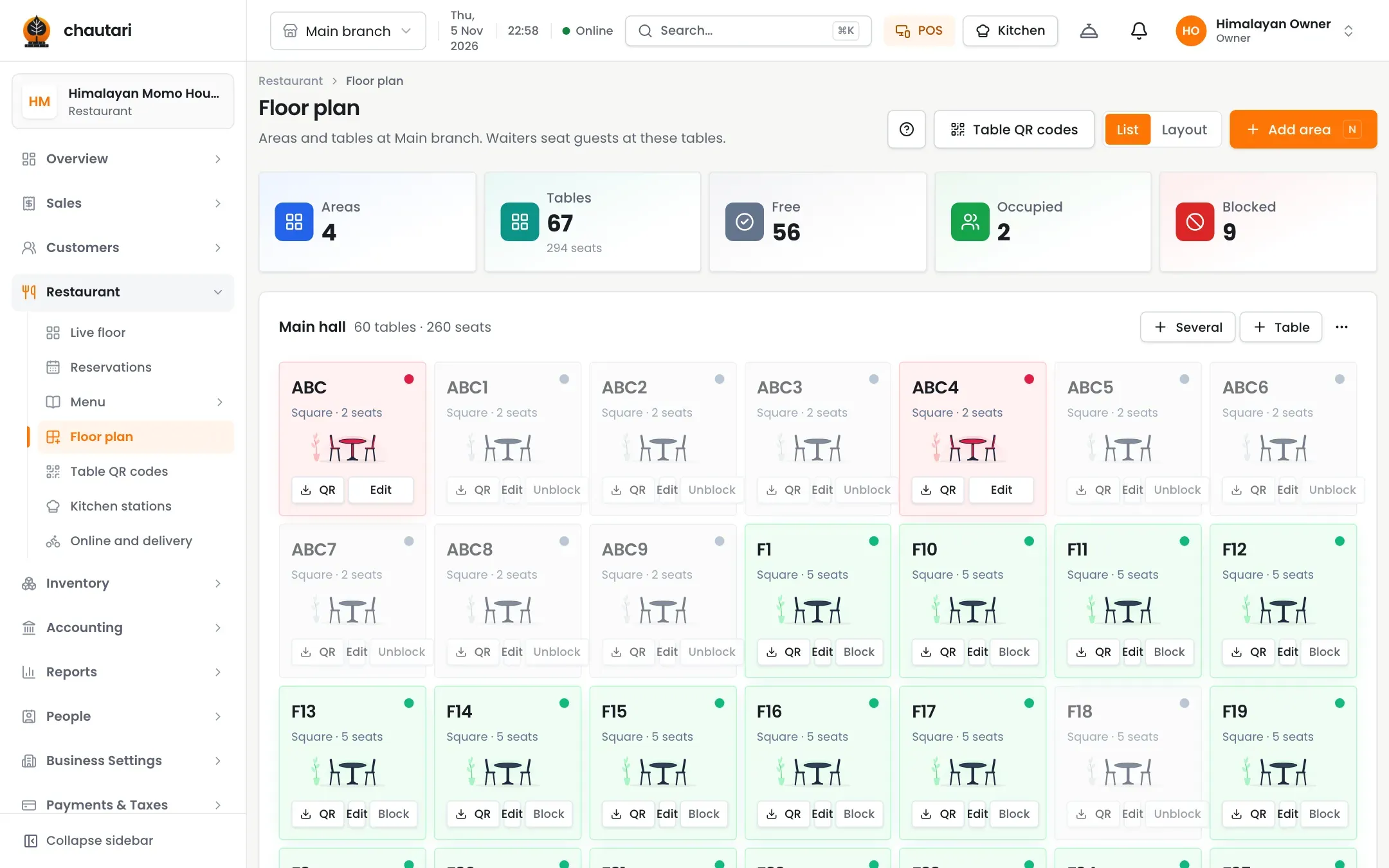
A floor plan that matches your place
Areas such as Hall and Rooftop, each with its own tables.
- Areas and tables with their seats
- A table takes its seats plus an extra chair
- Colour status for free and busy tables
- Edit the layout any time
Changes during service
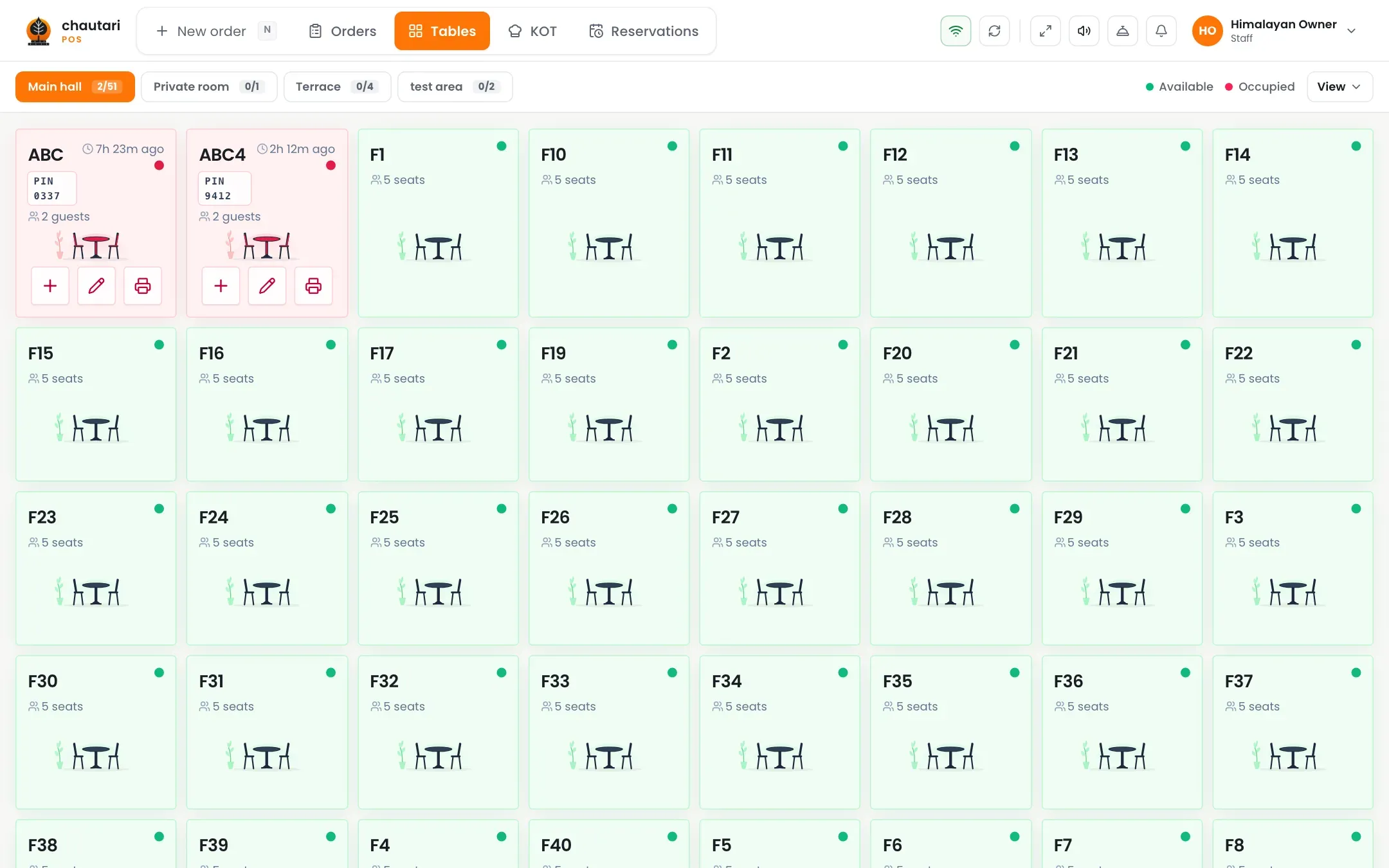
Guests move. The bill moves with them.
- Move a party to another table
- Merge tables for a big group
- Split the bill by seat
- Close the table when paid
Can I set how many seats a table has?
Yes. A table will not seat more than its seats plus one extra chair, or two for tables above four seats.
Can I move guests?
Yes. Move or merge from the table.
Do guests order from the table?
They can, using the table QR menu.
Is it per branch?
Floors belong to a branch.
More from Chautari
Ready to organise your floor?
Set up your menu, tables and printer, then run a real service on it.
Start your free trial