
QR menu and table ordering for Nepal
Let Guests Order From Their Phone
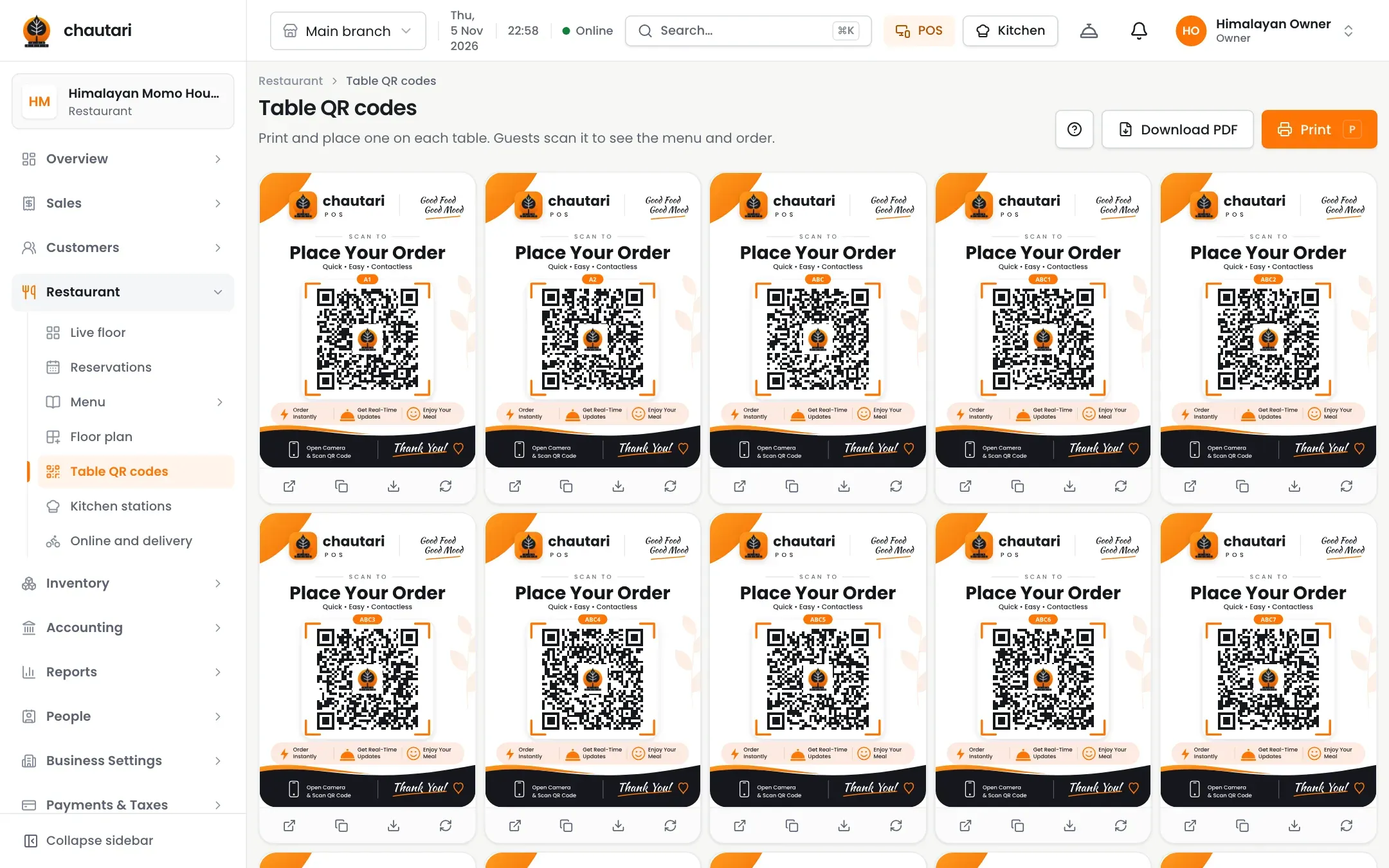
Print a code for each table. Guests browse with photos, add dishes and send the order, and your staff accept it before it reaches the kitchen.

How a guest orders
1
Scan
The guest scans the code on the table.
2
Order
They add dishes and send.
3
Accept
Staff accept and the kitchen gets the ticket.
Outcomes
- Fewer trips for waiters
- Faster ordering at busy times
- Orders that join the table’s bill
- Guests see live status
- Staff stay in control
You stay in control
Orders wait for a quick accept, or switch on auto accept.
- Accept or decline with a reason
- Auto accept for quiet hours
- Dishes added to the table’s running order
- Cancelled dishes shown crossed out
Guests are looked after
A menu worth scanning.
- Photos, prices and sold-out marks
- Call waiter and ask for the bill
- Order status on the page
- Works for several guests at one table
Do guests need an app?
No. They scan the code and use their browser.
Can I approve each order?
Yes. Accept or decline, or use auto accept.
What if the table already has an order?
New dishes are added to it instead of starting a second one.
How many tables can I have?
See the pricing page for each plan’s limit.
More from Chautari
Ready to put a menu on every table?
Set up your menu, tables and printer, then run a real service on it.
Start your free trial