
Staff roles and permissions
Give Each Person Only What They Need
Everyone signs in with their own login or PIN and sees only the screens their job needs. Risky actions can ask for a manager.
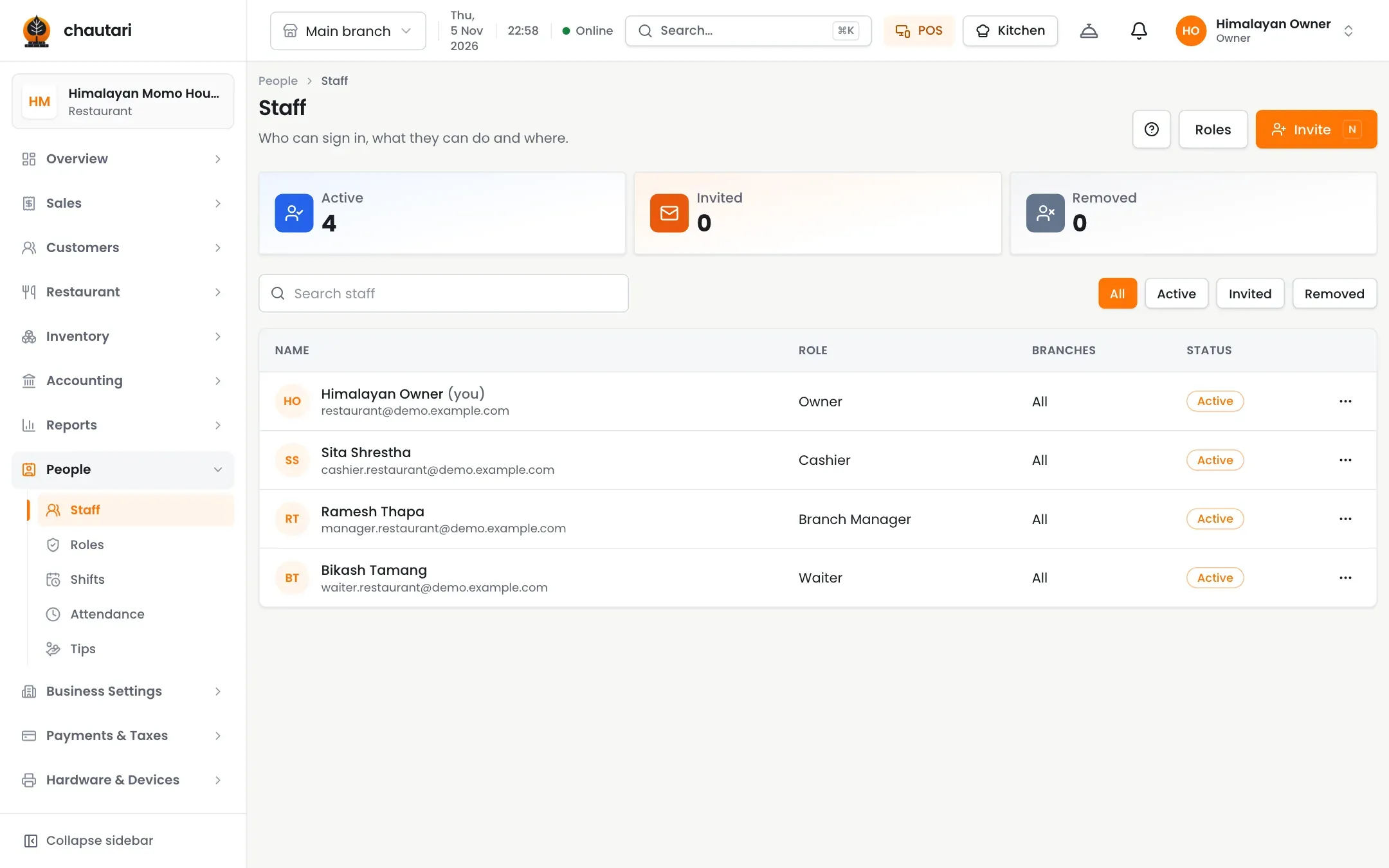
Setting up your team
1
Invite
Send an email invite; resend if it is pending.
2
Assign
Pick a role or build your own.
3
Approve
Big discounts and refunds ask for a manager.
Outcomes
- Staff see only their screens
- Fast PIN sign-in at a shared till
- Risky actions need a manager
- Every action has a name on it
- Invites you can resend
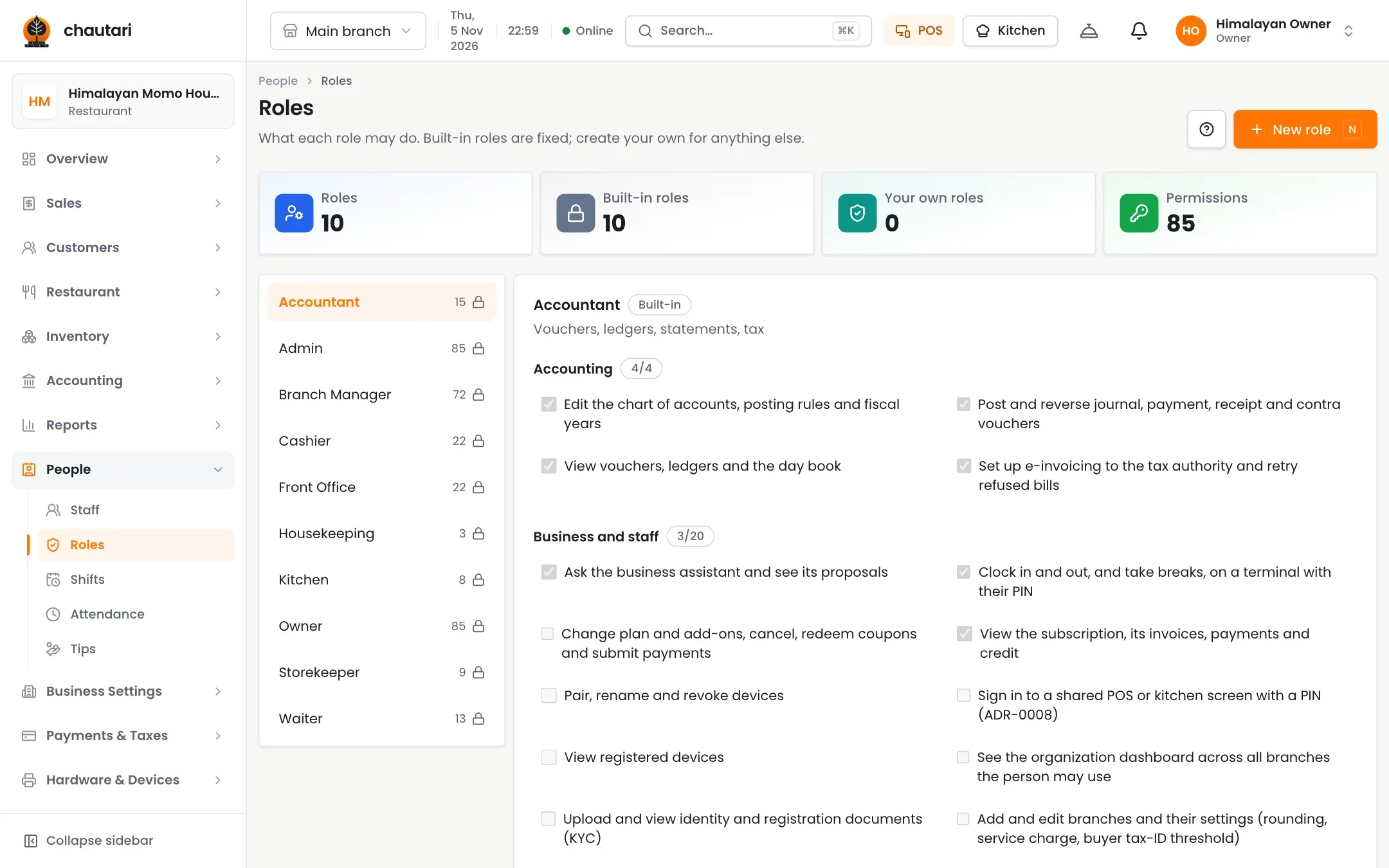
Roles that fit your place
Start with the usual four and change them.
- Waiter, cashier, kitchen and manager
- Custom roles on Growth and Pro
- PIN sign-in for shared tills
- Remove access in a tap
Accountability built in
Know who did what and when.
- Manager approval for voids and comps
- An audit log of changes
- Attendance and shifts on Growth and Pro
- Tips on Pro
Do all staff get a login?
Yes. Each person gets their own, and sees only what their role allows.
Can I resend an invite?
Yes, while it is still pending.
Can I make my own roles?
Yes, on Growth and Pro.
Is there an audit log?
Yes. Its length depends on your plan.
More from Chautari
Ready to organise your team?
Set up your menu, tables and printer, then run a real service on it.
Start your free trial