
Restaurant inventory and food cost software
Know What You Use and What You Waste
Write each dish as a recipe once. Every sale takes the right amount out of stock, and counts and wastage show where the margin goes.

From delivery to plate
1
Receive
Record the delivery against the supplier bill.
2
Sell
Each sale takes recipe amounts out of stock.
3
Count
Compare the shelf and record wastage.
Outcomes
- Cost per plate you can see
- Stock that follows every sale
- Fewer surprises at the count
- Waste with a reason attached
- Purchases tied to bills
Recipes that run stock
Cost and stock follow every dish you sell.
- Items with their unit (kg, litre, piece)
- Recipes for every dish
- Stock deducted on each sale
- Cost updates with purchase price
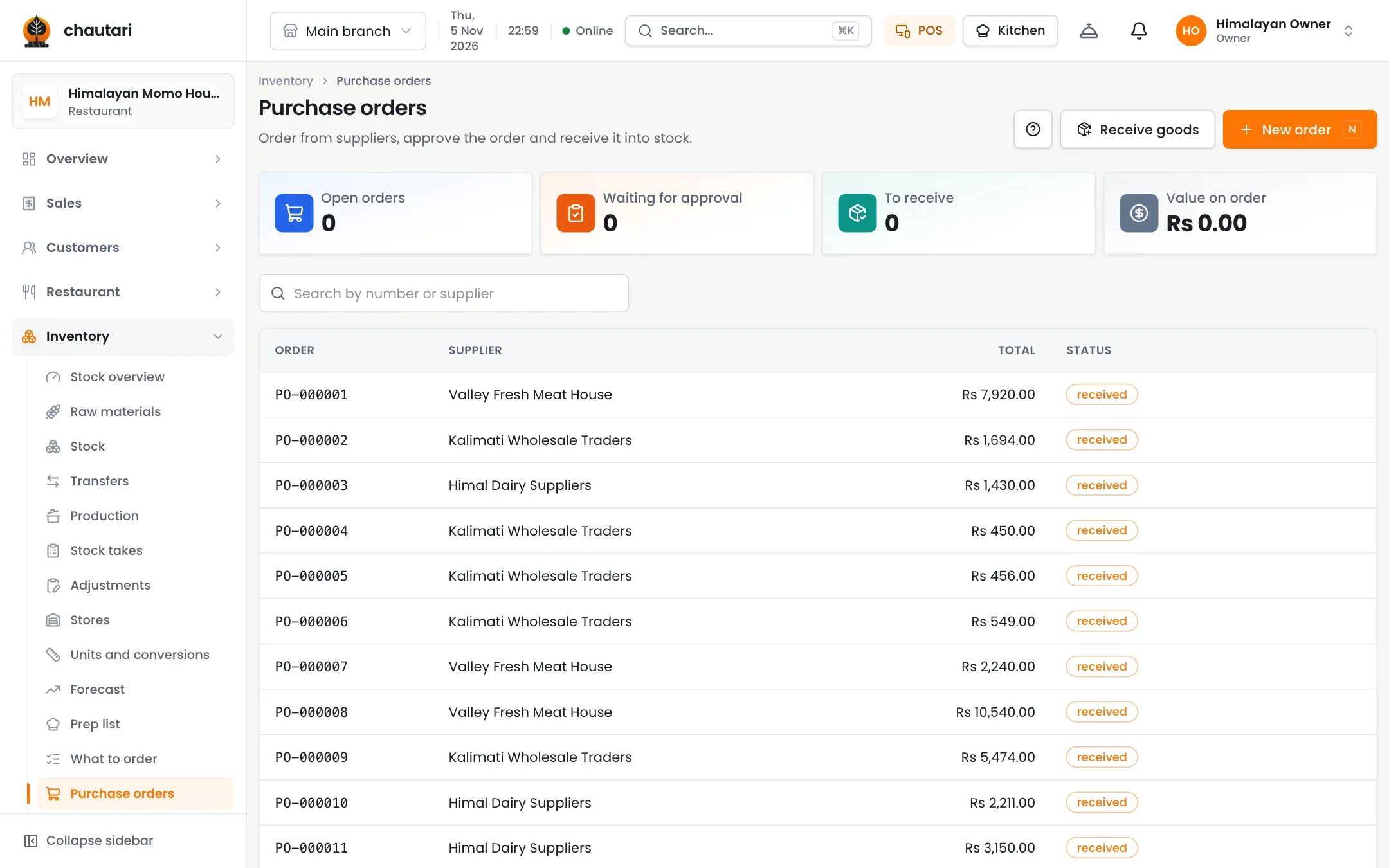
Purchasing and counting
Keep deliveries, suppliers and counts honest.
- Goods received notes
- Supplier bills scanned into drafts
- Stock counts and adjustments
- Wastage recorded with a reason
Do I need recipes?
They are what makes stock follow your sales, so yes for food items.
Can I scan a supplier bill?
Yes. The assistant reads a photo into a draft you review.
Which plans have inventory?
Growth and Pro.
Can I do a stock count?
Yes. Record the shelf and the difference is shown.
More from Chautari
Ready to see your real food cost?
Set up your menu, tables and printer, then run a real service on it.
Start your free trial